 English
 العربية
 Deutsch
 Español
 Français
 Italiano
 Português
 Русский
 Türkçe
 Tiếng Việt

What is a JPG to PNG Converter?
Convert JPG Images to PNG Online Easily
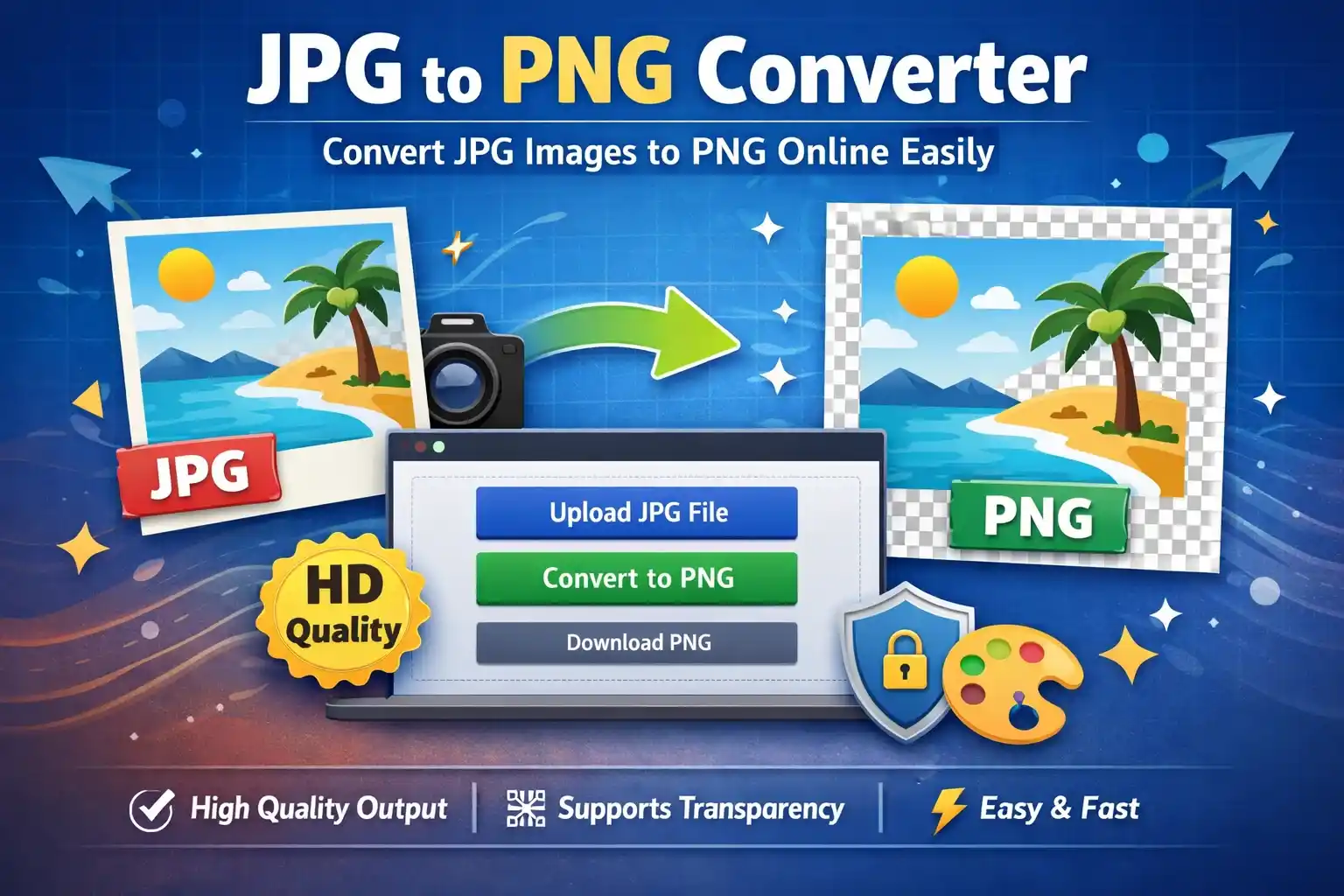
A JPG to PNG Converter is an online tool that allows you to convert images from JPG (JPEG) format into PNG format. This is especially useful when you need higher image quality or want to use transparency features that JPG does not support.
PNG images are widely used in design, web development, and graphics because they preserve image details better than JPG.
Why Convert JPG to PNG?
There are several reasons why converting JPG to PNG is useful:
- Better image quality: PNG uses lossless compression
- Transparency support: PNG allows transparent backgrounds
- Ideal for design work: Perfect for logos and graphics
- No quality loss during editing: Keeps details intact
If you're working on design or web projects, PNG is often the better choice.
How to Convert JPG to PNG (Step-by-Step)
- Upload your JPG image
- Click the convert button
- Wait a few seconds for processing
- Download your PNG image
The process is fast and does not require any software installation.
Key Features of Our JPG to PNG Converter
- Instant image conversion
- High-quality output
- Supports multiple file sizes
- No watermark added
- Works on mobile and desktop
- Completely free to use
Common Use Cases
This tool is perfect for:
- Designers: Creating transparent images
- Developers: Optimizing graphics for websites
- Students: Converting images for assignments
- Content creators: Preparing visuals for social media
JPG vs PNG – What’s the Difference?
| Feature | JPG | PNG |
|---|---|---|
| Compression | Lossy | Lossless |
| File Size | Smaller | Larger |
| Transparency | Not supported | Supported |
| Best Use | Photos | Graphics & logos |
FAQs
Will I lose quality when converting JPG to PNG?
No, PNG preserves quality better than JPG.
Can I convert multiple images?
Yes, depending on the tool’s capability.
Is this tool safe to use?
Yes, your images are not stored or shared.
Start Using the Tool
Convert your images easily with our 👉 JPG to PNG Converter and get high-quality results instantly.

Popular Tools
Recent Posts